Mistakes in Arabic RTL web apps, and how to avoid them
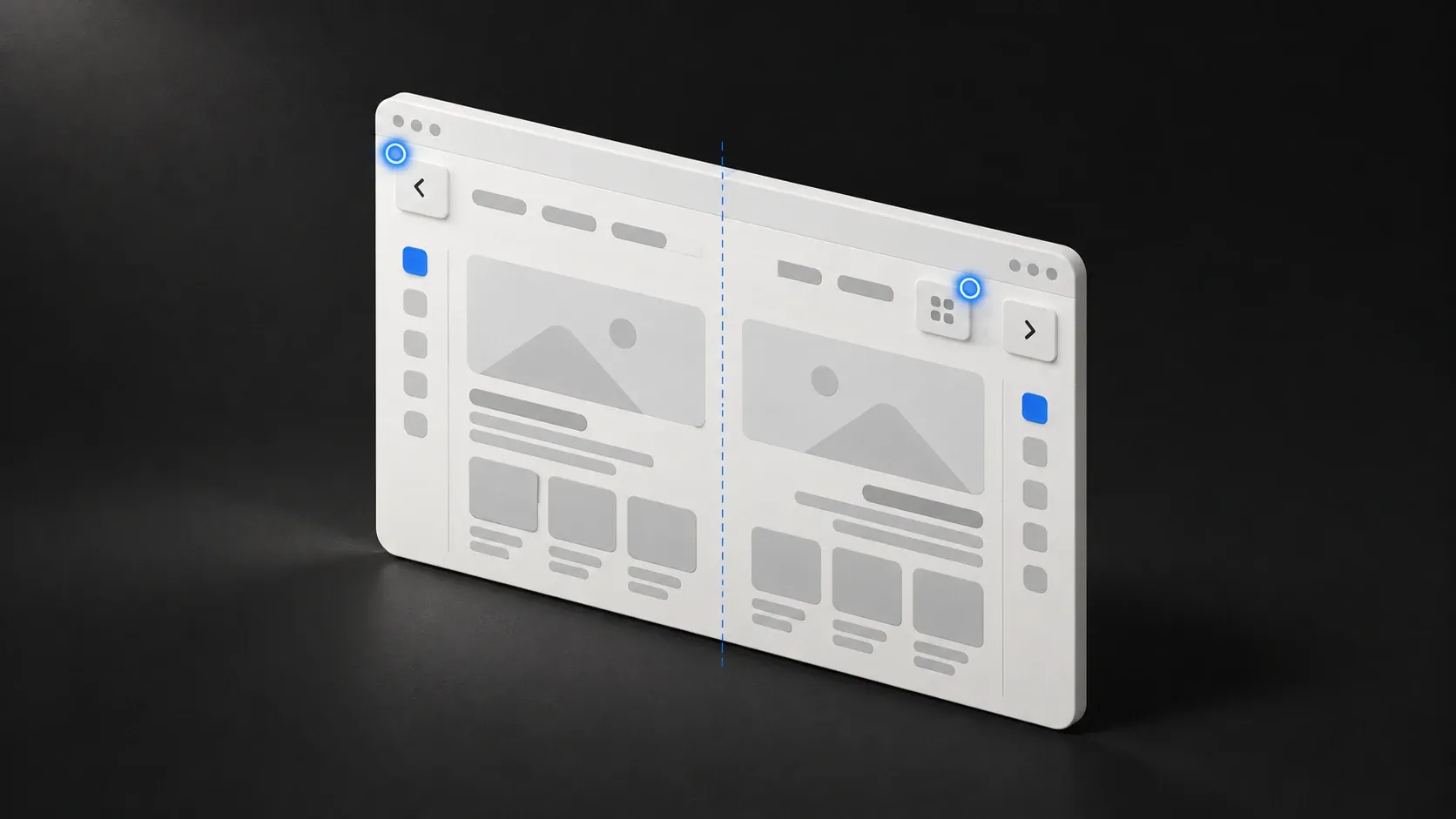
Many products add Arabic by translating the text and setting the page direction to right-to-left. The result looks almost right, which is the problem: the small errors are the ones a native reader notices at once and a team without an Arabic reader never sees.
Arabic is my first language, and from 2022 to 2024 I built Stake’s marketing emails in Arabic and English. Email is the least forgiving place for right-to-left text, so most of this list comes from there and from the Arabic apps I use every day. These are the mistakes I’d check first.
1. Treating RTL as a direction switch
Setting dir="rtl" on the page flips the flow of text and the order of inline items. It doesn’t fix the things you built with fixed left and right values.
The fix: use logical CSS properties. Write margin-inline-start and padding-inline-end instead of margin-left and padding-right, and text-align: start instead of left. Modern CSS and most frameworks support these, and the layout then mirrors by itself.
Email is harder. Several email apps ignored the CSS direction in Stake’s emails, so dir and align had to sit on the tables and cells themselves.
2. Mirroring things that should not mirror
Mirror the layout, navigation, progress bars and arrows that point in a direction of travel, such as “next” and “back”. Don’t mirror:
- Logos and brand marks.
- Media controls such as play, which relate to the direction of time in the video, not the language.
- Clocks, check marks and most pictures.
- Numbers and phone numbers.
The fix: decide the rule once per icon, and keep a short list. Test arrows, chevrons and sliders by clicking through them.
Mirroring is also a layout decision, not only a flip. In a two-column email built from tables, the columns had to be reordered for the Arabic version so the reading order made sense, not just swapped by a setting.
3. Mixed Arabic and English text
An Arabic sentence with an English product name, a URL or a number inside it is where bidirectional text goes wrong. Punctuation can jump to the wrong side, and an English phrase can reorder itself. As a reader, this is the mistake I run into most in Arabic apps.
The fix: wrap embedded fragments with the right direction (the <bdi> element, or dir="auto" for user-written content), and test strings that mix both languages. Always test with real examples, such as names with numbers and sentences ending in a brand name.
4. Email, URL and phone fields
Email addresses, URLs and phone numbers read left to right, even inside an Arabic page. In a right-to-left input they can look scrambled.
The fix: set dir="ltr" on those inputs, and align the text to the start of the field if that suits your design.
5. Numbers chosen by accident
Arabic readers may expect either Western digits (0 to 9) or Arabic-Indic digits, depending on the country and the product. Browsers and libraries may pick one for you, and different screens can end up showing different digits. I have seen both kinds of digits on the same screen of an app I use.
The fix: choose a style on purpose. When you format numbers, dates and currency, set the locale and the numbering system explicitly, and test prices, dates and phone numbers in every place they appear.
6. Letter spacing and fonts that break Arabic
Arabic letters connect to each other. Adding letter spacing, a habit from English headlines, breaks the connections and makes text hard to read. Fonts without proper Arabic support fall back to a different font for each missing letter.
The fix: never add letter spacing to Arabic text. Use a font designed for Arabic, such as Noto Sans Arabic, and check that the weights you need exist. Give Arabic text a little more line height than Latin text, because the letterforms need more vertical room.
7. Truncation and text length
Arabic strings are often shorter or longer than English ones, and buttons and labels are sized to the English. Truncated text with an ellipsis can cut words in awkward places.
The fix: let components grow with the text, avoid fixed widths, and view every screen in Arabic with the longest real strings.
8. Plural forms and sorting
English has two plural forms. Arabic has more, and a sentence like “3 items” needs the right form for the number. Sorting and searching Arabic also need care: letters have variants, and diacritics can make equal words look different.
The fix: use the platform’s plural and collation tools (Intl.PluralRules and Intl.Collator in JavaScript) instead of adding an “s”. For search, decide how to treat letter variants and diacritics.
9. Dates, weekends and calendars
Weekend days differ by country, and some audiences use the Hijri calendar. A date picker that starts the week on the wrong day, or a “business days” calculation that assumes Saturday and Sunday, will look careless.
The fix: ask who the users are, and let the date and week logic follow their country.
10. Translation that reads like a translation
Machine translation and word-for-word translation produce Arabic that is correct and unnatural. Buttons are the worst: a label that is right in English can be wrong as an action in Arabic.
The fix: have an Arabic reader review every screen in context, not a spreadsheet of strings. Write the interface text in Arabic with the design in front of you.
A short test routine
Before you launch:
- Open every screen in Arabic on a phone and on a laptop.
- Click every arrow and slider.
- Enter an Arabic name, an English name, an email address and a phone number in each form.
- Check prices, dates and counts.
- Switch language on every page and check that you land on the same page in the other language. On one multi-language site I fixed a language switch that sent people to a 404.
- Read each screen aloud as a customer would.
I build bilingual and Arabic web apps as a full-stack developer. If you have a product that looks almost right in Arabic, send it through the form below.
Questions people ask
Is setting dir="rtl" enough to support Arabic?
No. It flips the text flow, but layout spacing, icons, numbers, mixed English text, fonts and forms still need decisions. The direction attribute is the start of the work.
Should numbers be Arabic-Indic or Western digits?
It depends on your audience and market. Choose one on purpose, apply it everywhere and test phone numbers, prices and dates. Don't let the browser choose differently on different screens.
Do I need a separate design for Arabic?
Usually not a separate design, but you do need a design review in Arabic. Text length, line height and the position of some elements change.
Related services
Arabic and bilingual web apps
Real right-to-left layouts, Arabic and English together, forms and numbers that behave. Built by a native Arabic speaker.