AI marketing platform · Client work through caisy
ScriptBee: AI chat that keeps running after the tab closes
The project
ScriptBee is an AI marketing platform. I worked on its Next.js app from May to July 2025, through caisy, as part of the product team.
The problem: refreshing the page lost the answer
An agent run on ScriptBee took two to ten minutes, because the agent called several tools before it answered. The run lived inside a normal request, so a user who refreshed the page lost the answer.
What I changed
I integrated Trigger.dev so the agent work runs as a background task. I built the route that starts a run and saved the conversation messages to the database. I also built the task widget, the Tasks page and the route that lets the browser follow a run while it works.
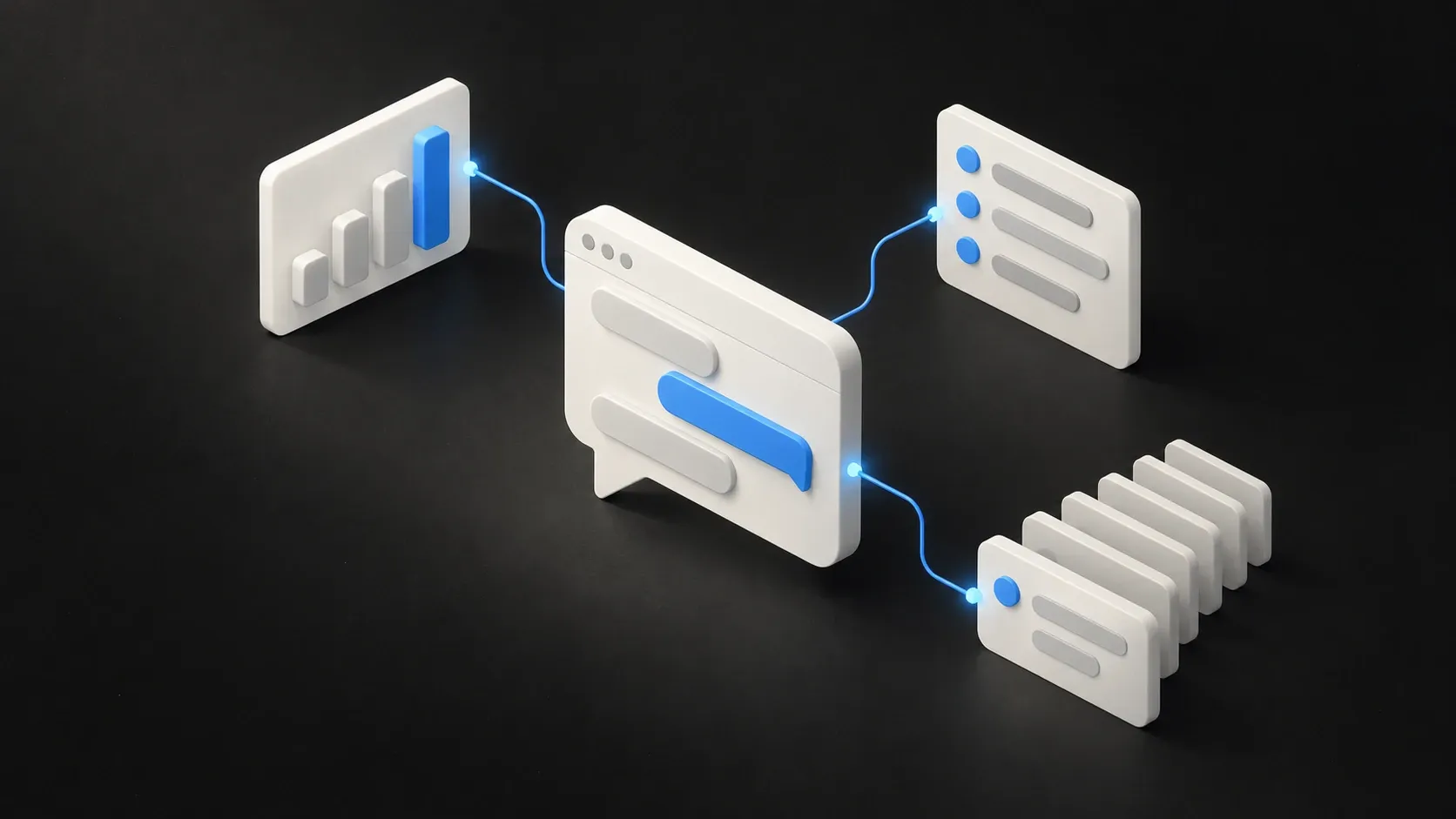
- The chat request starts a background run with the chat and workspace context.
- The background task does the agent work and saves the messages.
- The task widget and the Tasks page show each run’s status.
- When the work finishes, the chat loads the saved result.
The result
A run keeps going after the tab closes, and the user can come back to the saved result.
The rest of my work
- Sign-in and workspaces. Login with a magic link, a two-step login, a waitlist and a workspace switcher.
- The chat interface. The chat screens, suggestions, sidebar and loading states.
- Agent tools. A Google Keyword Planner tool and a YouTube video analysis tool that the AI agent can call.
- The Google Ads connection. An OAuth flow, customer selection and metrics.
- Onboarding. Persona generation, team invitations, a workspace step, email-verification rate limiting, access control and bulk personas, plus popup sign-in for the Google Ads, Google Analytics and Search Console connections, with success and error handling.
Building tools for the agent
The agent decides which tool to call from the tool’s description and its parameters. When those were loose, it called my tools with vague inputs, and tightening the parameter types and descriptions fixed more than prompt changes did. Google Ads test accounts return no real keyword data, so I could only judge the Keyword Planner tool against a real account.
What I check in other AI apps
A long AI call tied to an open browser tab works fine in a demo, because nobody refreshes during a demo. It’s one of the first things I look for when I take over an app with AI in it.
What it shows
Shipping product features in a team’s Next.js codebase, including sign-in, background jobs, agent tools and third-party OAuth connections. That is the work behind AI features and agents, taking over an existing app and building an MVP.
Visit the live site (opens in a new tab)
Technologies used: Next.js, TypeScript, Trigger.dev, Drizzle, Google Ads API.